






Skip to content

Network TAPs

Network TAPs are key components of a visibility architecture. Sitting between your infrastructure and your tools, they give you access to all the traffic traversing your physical and virtual links.

The TAP Lines We Carry & Support in Canada

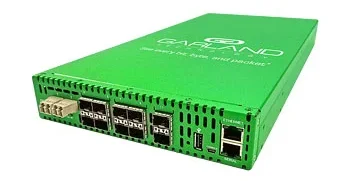
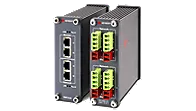
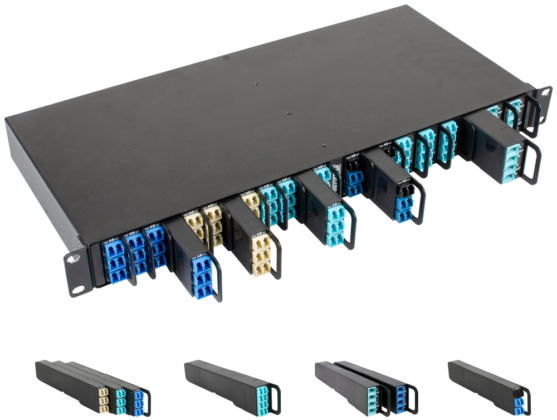
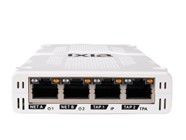
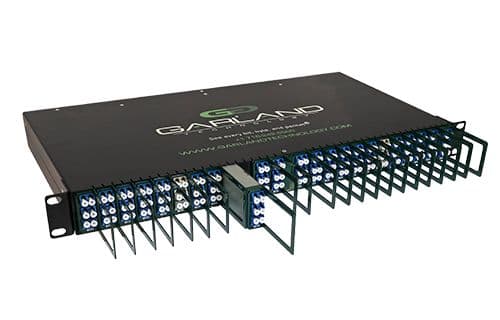
We supply TAPs from Cubro, Garland Technology, Keysight and Profitap across Canada. Carrying all four means the guidance below is about fit rather than whichever line we happen to sell.

TAP or SPAN?

Plenty of networks run perfectly well on SPAN, and there’s no sense spending money you don’t need to. If you’re troubleshooting something temporarily, the switch has headroom, and it’s already sitting there, a SPAN port will usually show you what you need.

Where SPAN runs into trouble is less about the technology than about what you’re asking of it. Three situations come up regularly.

When the link gets busy

Mirroring sits below forwarding in a switch’s priorities. Under load it will drop mirrored packets, and it won’t flag that it’s doing so, which means a capture can look complete when it isn’t.

When you need the physical layer

Runts, bad CRCs and oversized frames are discarded before they reach the SPAN port. If you’re chasing an intermittent fault, those are often the frames that explain it.

When delivery has to be provable

Compliance work, forensics and accurate timestamping all rest on being able to show the capture was complete.

Most networks end up running both: SPAN where it’s convenient, TAPs on the links where the traffic actually matters.

Choosing the Right TAP

Six questions will settle most TAP decisions. They work best in order, since each one narrows what’s left.

1

What media are you tapping?

Copper, fibre, or a mix. The two are not interchangeable. If you need to bridge them, or extend multimode to single mode, a media conversion TAP does both jobs in one unit. For east-west traffic between virtual machines, no physical TAP will help and you need a virtual TAP.

Copper · Fiber · Media Conversion · Virtual

2

What speed, and what speed in three years?

Buy for the refresh, not for today. Copper TAPs are practical to 10G, and past that you’re on fibre whether you planned for it or not. Replacing a TAP because the link got upgraded is one of the more avoidable costs in a visibility build.

3

How many tools need this traffic?

One tool takes a basic TAP. If several tools need the same feed, that’s a regeneration TAP. If several links feed one tool, that’s an aggregation TAP, which merges them into a single monitoring port. And if you’re heading toward many links feeding many tools, you’ve outgrown TAPs and what you actually want is a packet broker.

Regeneration · Aggregation · Packet broker

4

Is any of your security tooling inline?

A monitoring TAP is out of band, so it copies traffic and can’t affect it. An IPS, firewall or WAF sits in the traffic path, which means its failure becomes your outage. That’s a bypass TAP, a different product class. Worth settling before you buy: when the tool dies, should the link fail open or fail closed?

Inline bypass

5

Is this an industrial or OT environment?

This changes the answer more than people expect, and not only on ruggedness. See the industrial and OT section below, where the one-way question comes first.

6

What happens when the power fails?

A passive optical TAP needs no power at all. It splits light, so the link survives whatever happens to the TAP. Copper TAPs do need power, and should use relay-based failsafe. If the link carries production traffic, it’s worth answering this one early, because it can override the others.

Passive optical

profitap network taps

Types of Network TAPs

Network TAPs come in variety of configurations and capabilities to fit the requirements of IT and OT networks.

Copper TAPs

Electrical hardware access point for Copper infrastructure from 10/100M to 10/100/1000 all the way to 10Gig Copper.

Optical Fiber TAPs

extracts signal from the optical fiber without breaking the connection

Virtual TAPs

Software-based tap that that captures a copy of the east west data flowing between virtual machines (VMs)

Media Conversion TAPs

(Copper to fiber) – Bridge the gap between copper and fiber infrastructures and extension of fibre from multimode to single mode

Regeneration TAPs

Create multiple copies of network data to support multiple devices from a single connectivity point

Aggregation TAPs

Merge traffic streams into one monitoring port to reduce appliance costs, often used in combination with filtering taps, ie: filter, aggregate data streams

Passive (listen-only) TAPs

For monitoring devices – TAPs which can only export traffic and not receive any traffic on the monitoring ports.

Inline Bypass TAPs

Inline network TAPs that provide a failsafe for security tools – Prevents in-line devices from causing a network downtime if they fail or need to be updated.

Industrial and OT TAP Deployments​

In OT the question usually isn’t whether the hardware survives the cabinet. It’s whether the thing you installed to gain visibility can become a way in.

A listen-only TAP answers that in hardware. The monitoring ports physically cannot transmit into the tapped link, so there is no configuration to get wrong. Same logic as a data diode, and the two generally belong together.

Ruggedness still matters: extended temperature range, DIN rail, redundant DC, no fans. Settle the one-way question first.

Data diodes and visibility in ICS environments ⟶

TAPs and Canadian Compliance Obligations

Bill C-8 received Royal Assent in June 2026. Part 2, the Critical Cyber Systems Protection Act, is not yet in force and no start date has been set.

When it does land, designated operators in finance, telecom, energy and transportation will need cybersecurity programmes they can evidence. Evidence means traffic you can demonstrate was complete, which is the difference between a TAP and a SPAN port.

Understanding and operationalizing Bill C-8 ⟶

Buying TAPs in Canada

TAPs aren’t a shelf product. Across four vendors there are hundreds of combinations of media, speed, port count and form factor, so almost everything is configured for the specific deployment.

Tell us which link you’re tapping and what needs to see the traffic. You’ll get the options that actually fit, priced in CAD, with a realistic lead time. 

Procurement and support are handled here.

Frequently Asked Questions

No. A passive fibre TAP isn’t even an electrical device in the path. It splits light, with no processing involved. Copper TAPs do regenerate the signal, which adds a small fixed latency that almost nothing notices. The better question is what happens when the TAP fails rather than whether it’s slow, which is the next question down.

It depends entirely on the type, and it’s worth settling before you buy. A passive optical TAP needs no power at all, so losing power is a non-event: the link carries on. A copper TAP does need power, and a well-designed one uses relay-based failsafe so the link closes through if the unit dies. Most Copper TAPs carried by Telnet Networks feature a failsafe.

Yes, and for an IDS it’s usually the better choice. A SPAN port drops mirrored traffic when the switch is busy and doesn’t tell you it’s doing so, which leaves gaps in detection you have no way of seeing. A TAP delivers every frame regardless of switch load. If the IDS is inline rather than passive, you want a bypass TAP instead.

Scale and intelligence. An aggregation TAP merges a handful of links into one monitoring port, and that is all it does, which is often all you need. A packet broker sits a level above: many inputs feeding many tools, with filtering, load balancing, deduplication and packet slicing so each tool only receives traffic relevant to it. A few links to one tool is a TAP job. Many links to many tools is a broker job.

If the firewall sits in the traffic path, its failure becomes your outage, and a bypass TAP is how you decouple the two. It monitors the firewall with heartbeats, and if the firewall stops responding or gets taken down for maintenance it either passes traffic around it or blocks it. Which of those you choose is a security decision rather than a technical one, and it’s worth deciding before you buy.

It captures it, but it can’t read it. A TAP works at the physical layer and copies whatever is on the wire, encrypted or not. Decryption is a separate job for a dedicated appliance or a tool that holds the keys. What you still get from encrypted traffic is substantial: flow metadata, timing, volumes, certificate details and client fingerprinting, which is frequently enough for detection work.

Both split light. Only one is engineered for it. A fibre TAP is a housed device with a specified, tested split ratio and documented insertion loss. A Y-cable is a bare splitter: it will physically work, but you are taking on the optical budget calculation yourself without published loss figures. On a short run with plenty of margin that may be fine. On longer runs, or anywhere the link needs to be characterised, use the TAP. 

Related News & Blog Posts

Vendor Spotlight: Unlocking Network Visibility with Profitap

Vendor Spotlight: Unlocking Network Visibility with Profitap

If your security tools are only as good as the data they receive, then visibility isn’t a nice-to-have — it’s…
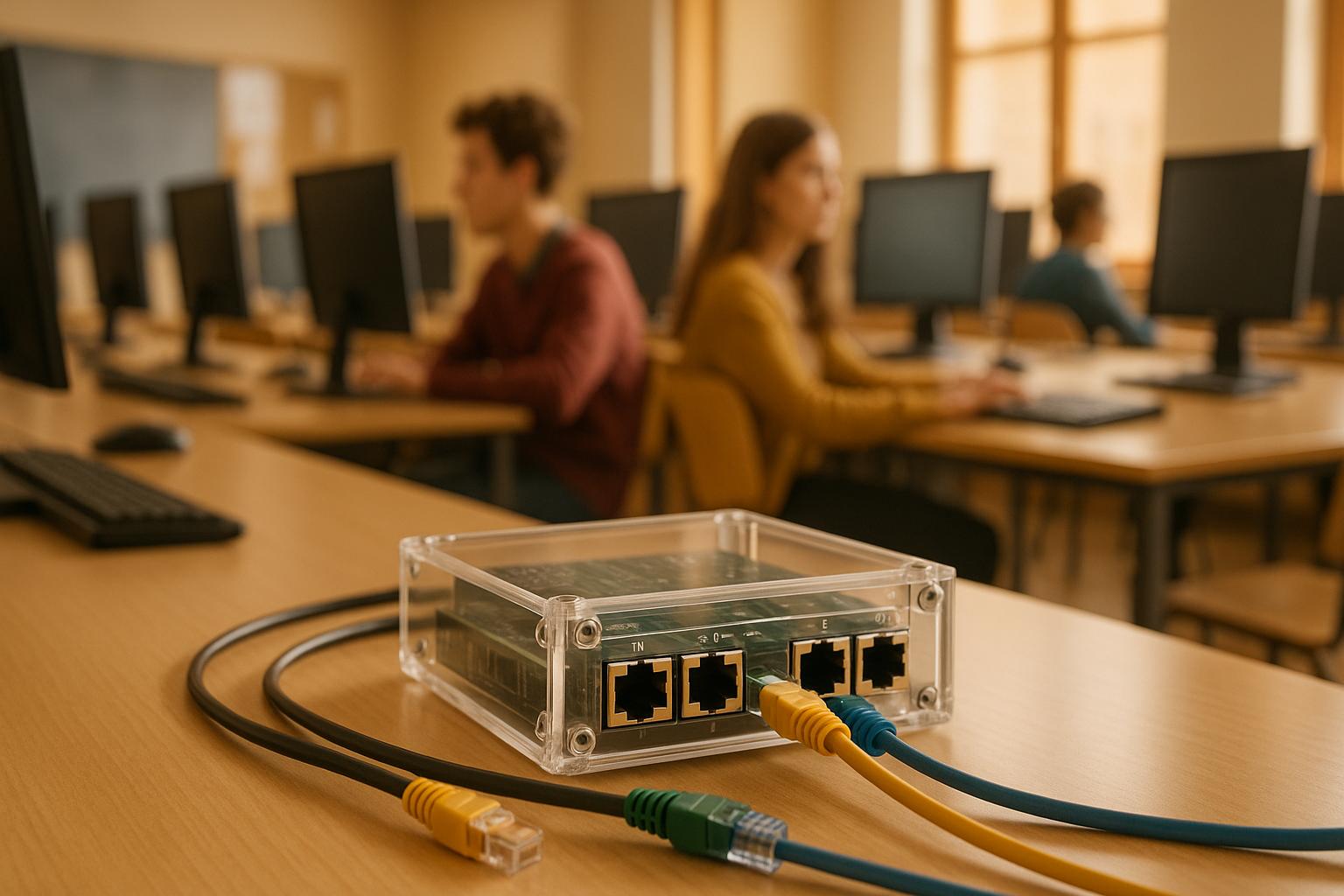
Using Network TAPs to enhance network security in School Networks

Using Network TAPs to enhance network security in School Networks

Enhance school network security with Network TAPs for improved visibility, threat detection, and compliance with regulations
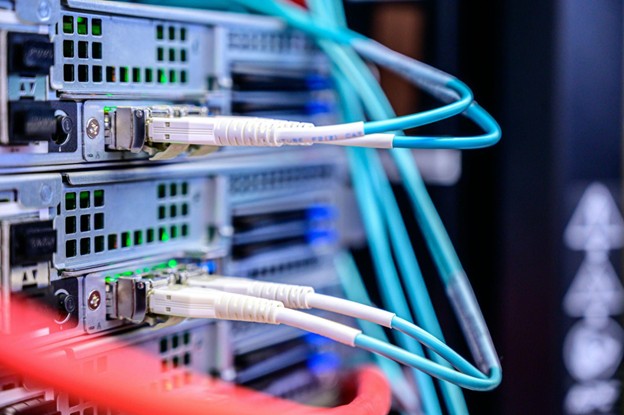
TAPs Overview: The Start of Visibility - 2024

TAPs Overview: The Start of Visibility - 2024

The Evolution of Network Visibility: Why TAPs Are Key Network change is accelerating, driven by growing complexity, new regulations, cloud…
The Value of Network TAPs in Enterprise IT

The Value of Network TAPs in Enterprise IT

Explore how Network TAPs offer superior traffic visibility, reliability, and security over SPAN ports and other solutions for effective network…

Network Visibility: Security Applications of Network TAPs, Brokers and Bypass Switches

Network Visibility: Security Applications of Network TAPs, Brokers and Bypass Switches

Security starts with awareness, but what happens when critical traffic slips through unnoticed? For security teams and network administrators alike,…