
Skip to content

Do you have to give up on network availability when deploying your inline security tools? By using a iBypass switch “YOU DON’T HAVE TO CHOOSE”

When a network monitoring device such as an IPS is deployed inline in a network, it is vital to ensure that traffic continues to flow in all circumstances, even if the IPS loses power, so that mission-critical business applications remain available. If you include Ixia’s intelligent bypass (iBypass) switching with your intrusion prevention system (IPS) you can deliver both network availability and security.

The iBypass switch can also monitor the health and status of your inline tools using heartbeat technology. Should your inline tool stop responding, the iBypass can automatically re-route traffic keeping the network up.

You can download this two page guide “Which iBypass Belongs in Your Network?” to find the ideal solution for your network within seconds. Network devices will fail, using bypass switches will allow you to keep your network up and maintain the level of security you need.
Related Posts

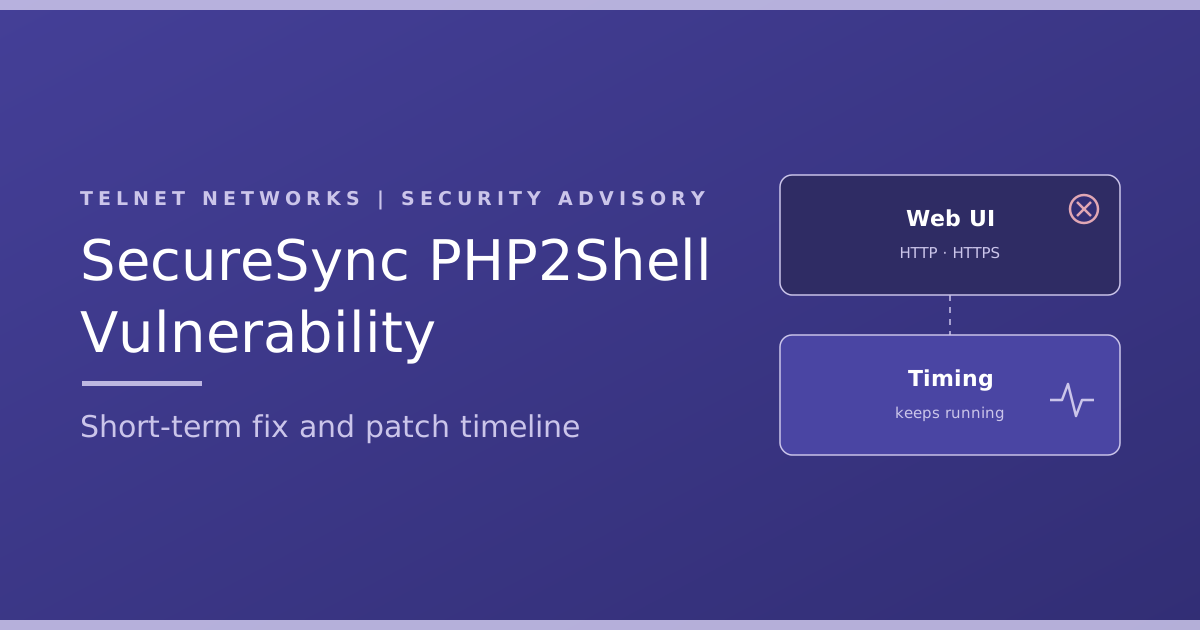
SecureSync PHP2Shell vulnerability: what to do now

SecureSync PHP2Shell vulnerability: what to do now

Safran has confirmed that the SecureSync PHP2Shell vulnerability affects the SecureSync 1200 and 2400, VersaSync, NetClock 9400 series and White…
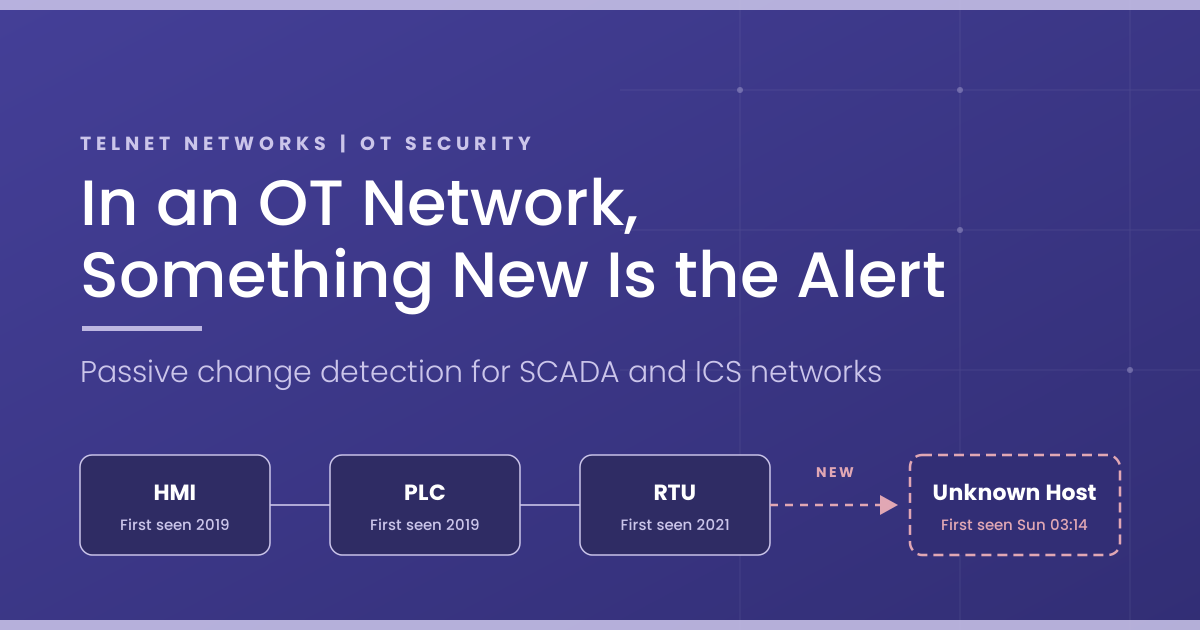
In an OT Network, Something New Is the Alert

In an OT Network, Something New Is the Alert

OT network change detection sounds like a compliance checkbox. In practice, it is one of the most precise detection methods…
Understanding Suricata: The Open-Source Engine Inside Your Security Stack

Understanding Suricata: The Open-Source Engine Inside Your Security Stack

There is a good chance Suricata already runs somewhere in your network, even if nobody on your team has ever…
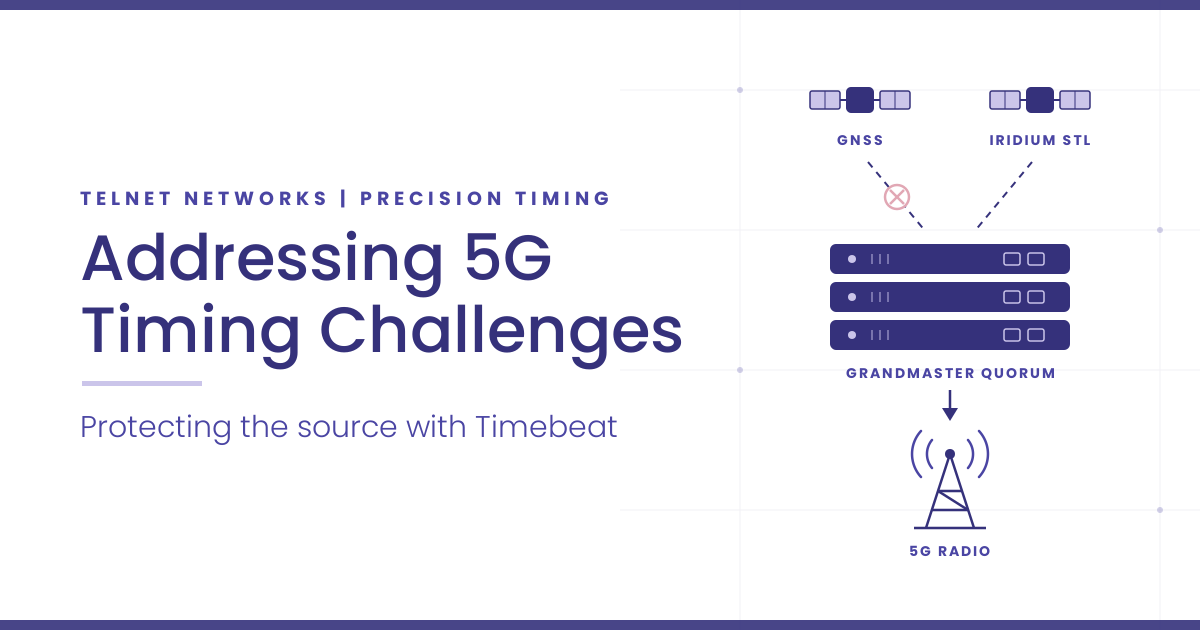
Addressing 5G Timing Challenges with Timebeat: What Canadian Carriers Can Fix at the Source

Addressing 5G Timing Challenges with Timebeat: What Canadian Carriers Can Fix at the Source

Most 5G timing challenges trace back to one rule. Canada’s mid-band 5G, in the 3500 MHz and 3800 MHz bands,…
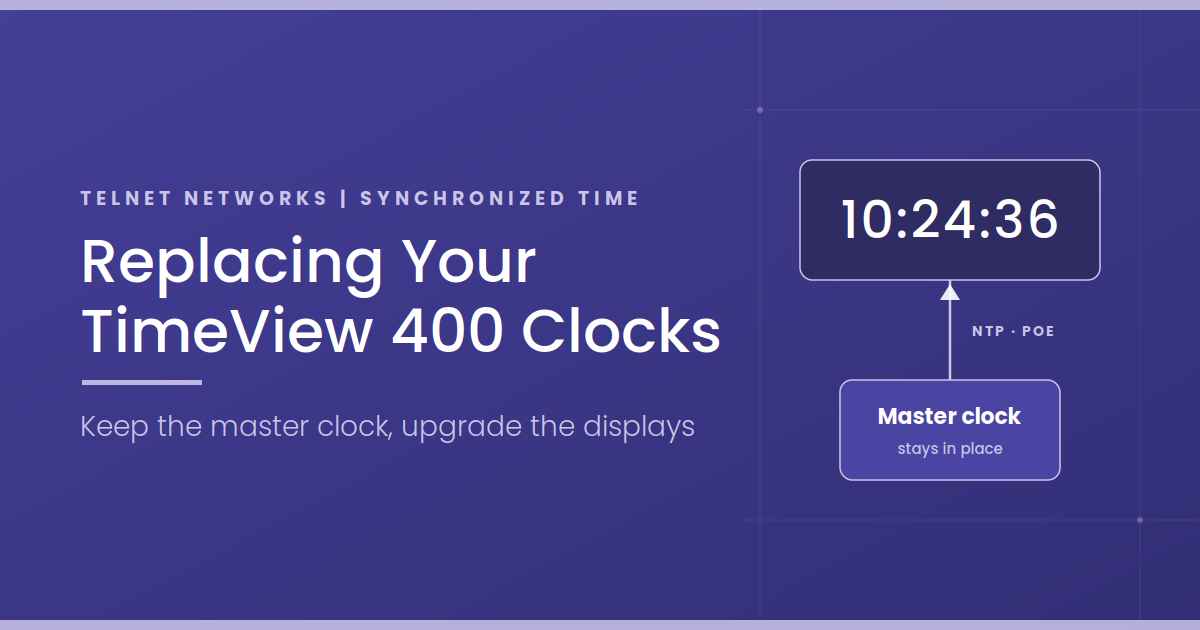
Replacing Your Spectracom TimeView 400 Clocks: Options, Differences and How to Plan the Switch

Replacing Your Spectracom TimeView 400 Clocks: Options, Differences and How to Plan the Switch

Most people start looking into a Spectracom TimeView 400 replacement for one of three reasons: a clock has gone dark,…